Proton Mailの有料プラン「Proton Unlimited」に登録しようと思っても、「登録手順は難しくないか?」「支払い方法はどうなる?」と気になる人も多いと思う。
この記事では、実際に私が Proton Unlimited に加入したときの画面を使いながら、登録の流れを画像付きで解説していく。
・Proton Unlimitedの登録手順
・支払い方法
・登録にかかる時間
これからProton Mailの有料プランを検討している人の参考になれば幸いである。
ひとまず、無料で14日間で有料プランを試してからでも遅くない。
目次
Proton Unlimitedとは
Proton Mailは無料で使える。
それこそGoogleのGmailのように、アカウントさえ作れば自由に使える。
そして、本社がスイスにあることでプライバシーについて非常に強固な体制を敷いている。
プライバシー関係は内容が重畳となるため詳しくは、リンク先の記事で確認してほしい。
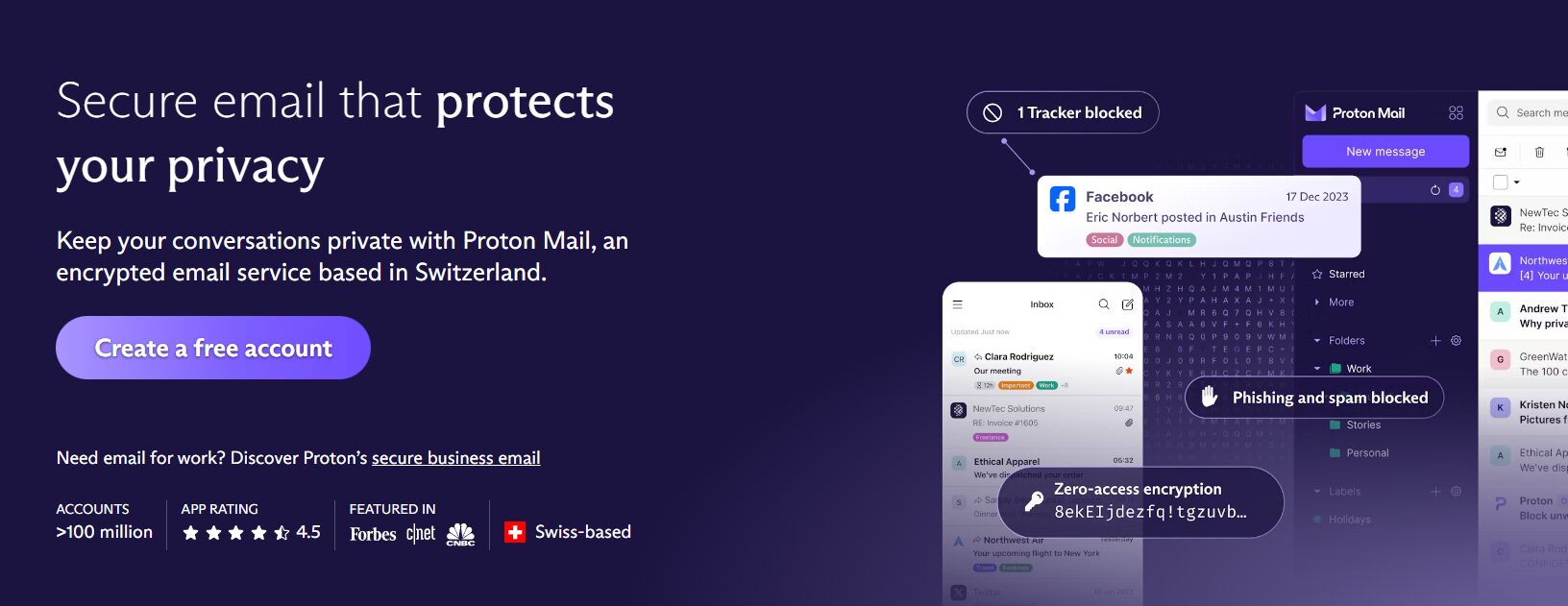
そのProton Mailではプランが複数用意されている。
- Free (完全無料プラン)
- Plus (選択したサービスのみ有料プラン化)
- Unlimited (アカウント対象のサービスの有料プラン化*)
*AI(Lumo)については別契約になるため、追加申し込みしない限り対象外。
有料プランの契約の考え方(Mail Plusを適用した場合)
| Free | Mail Plus | Unlimited | |
| Proton Mail | 無料プラン | 有料プラン | 有料プラン |
| Proton Pass | 無料プラン | 無料プランと同内容 | 有料プラン |
| Proton Drive | 無料プラン | 無料プランと同内容 | 有料プラン |
| Proton Calendar | 無料プラン | 無料プランと同内容 | 有料プラン |
| Proton VPN | 無料プラン | 無料プランと同内容 | 有料プラン |
有料化プランを使いたいもののみの契約がPlusで、Protonサービスンのすべてを有料プランで利用するのが、Unlimitedになる。
Proton Unlimitedの料金(2026年3月現在)
| 支払い通貨 | 1か月払い(月額) | 1か月払い(年額) | 12か月払い(月額) | 12か月払い(年額) |
| 日本円 | 1,624円 | 19,488円 | 1,249円 | 14,988円 |
| USD | 12.99$ | 155.88$ | 9.99$ | 119.88$ |
| EUR | 12.99 € | 155.88€ | 9.99 € | 119.88€ |
円安ドル高になっているので、日本円で支払う方が安く済む。
また、月額払いよりも年額払いの方が安く済む。
注意として、12か月払いは、1年分を一気に支払うので12分割した金額で払うのではないことに気を付けてほしい。
Proton Unlimitedの登録方法
では、実際にProton Unlimitedの登録に画像付きで説明をしていく。
途中で映り込んでいる個人情報についてのみ、画像編集を行っているのでその点はご承知おき願いたい。
登録については、他のインターネットの決済と同じく支払い方法の選択・登録・決済と簡単に進むので5分もあれば終了する。
1:アップグレードボタンを押し下げる
まずProton Mailの画面からアップグレードを行う。
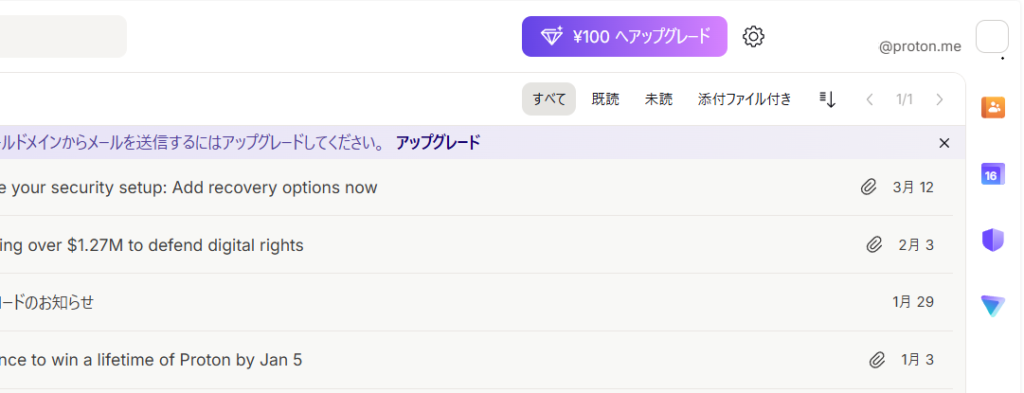
Proton Mailであれば、設定ボタンの横。
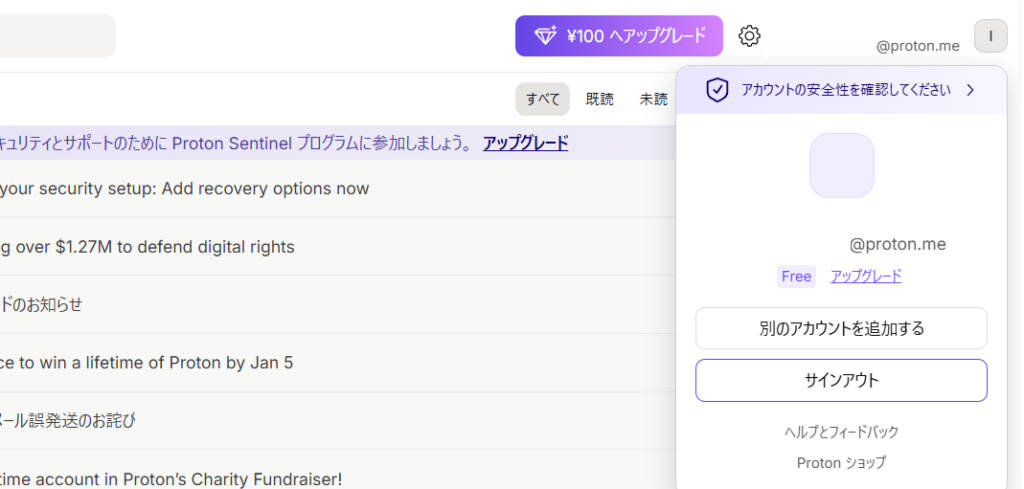
または、アカウントから「アップグレード」が選べる。
2:プラン選択画面で「Proton Unlimitedを選択」ボタンを押し下げる
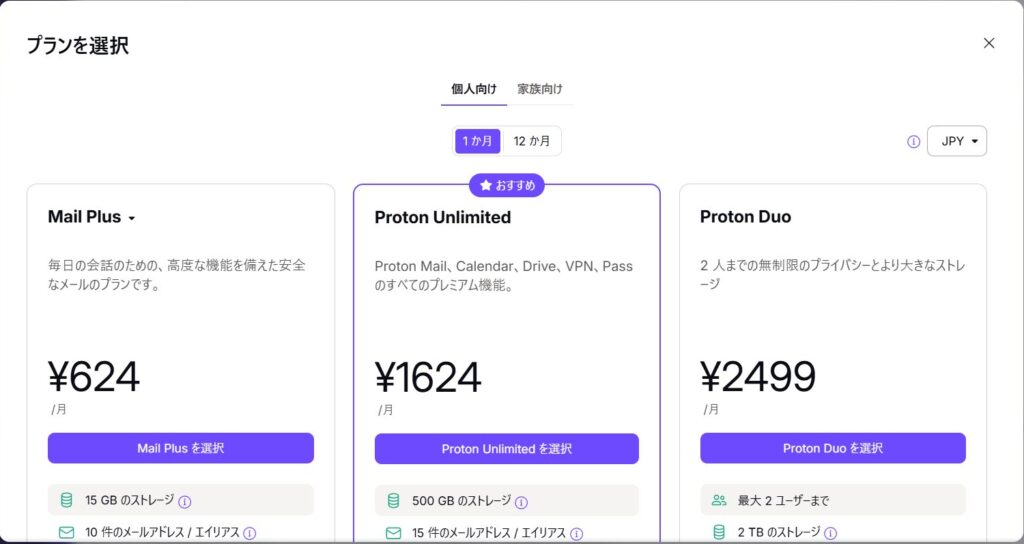
Proton Unlimitedは月額または年額で契約でき、年額の方が割安である。
お試しであれば月額400円のコスト増で月額払いで契約し、気に入れば年払いに切り替えてもよいだろう。
3:契約期間の確認
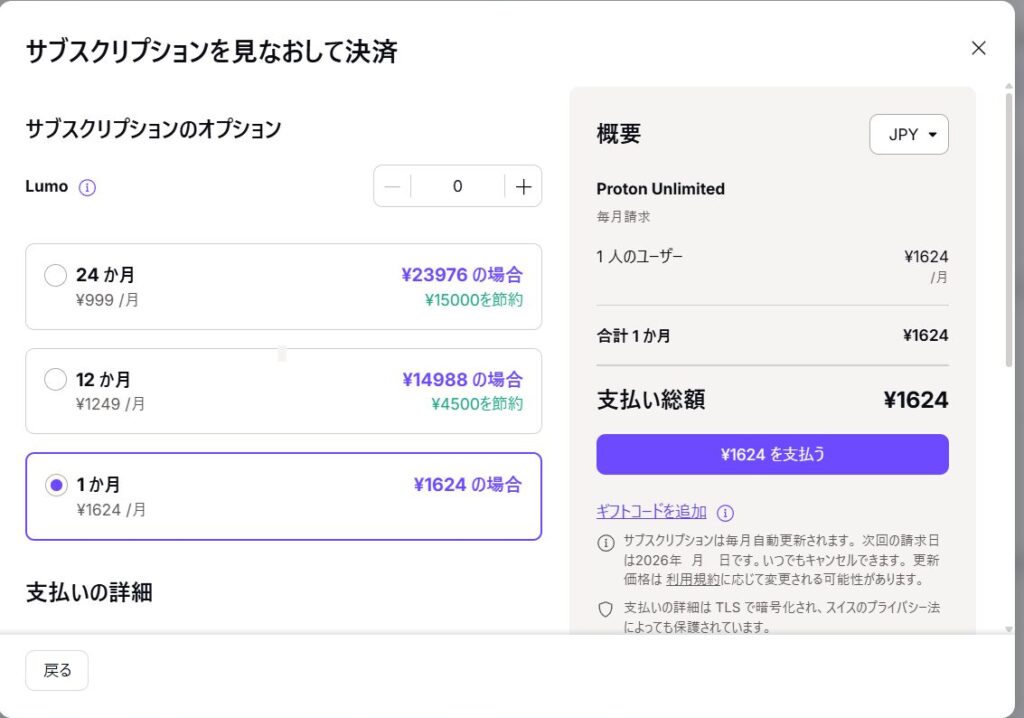
Lumo(AI)については別契約(月額1,249円)になるので、必要であれば追加する。
繰り返しになるが、支払い方法は各家庭によりけりになるため、よく検討されたい。
4:支払い方法の選択
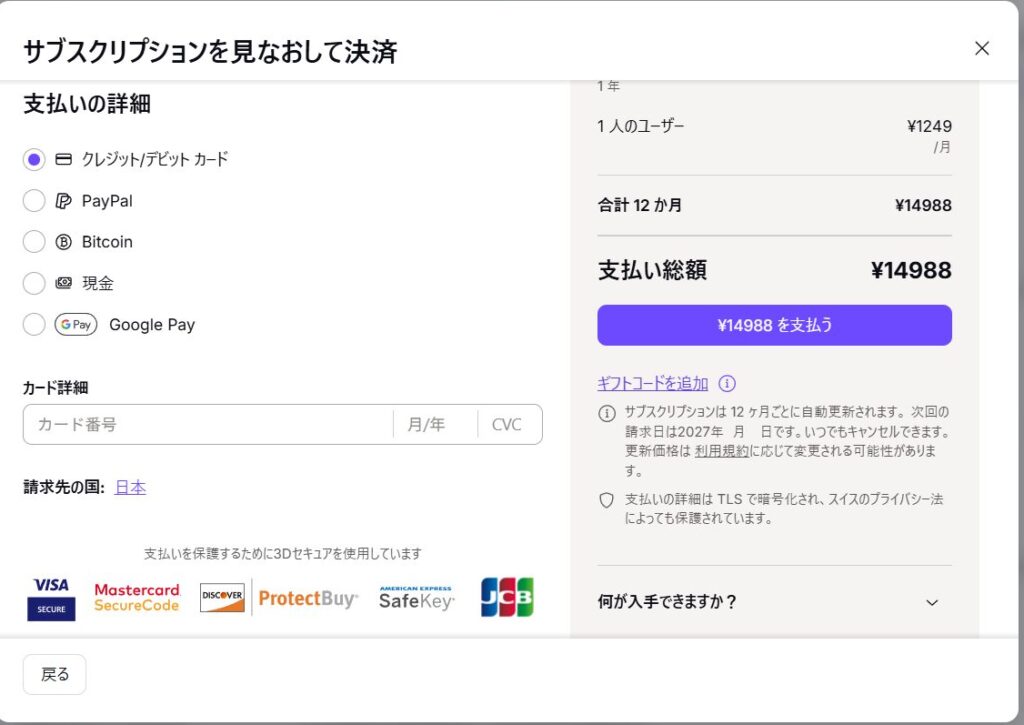
決済方法として次の6つが選択できる。
- クレジットカード
- デビットカード
- PayPal
- Bitcoin
- 現金
- Google Pay
なお、現金や銀行振り込みで支払う場合は、次の通りである。
Cash
We accept cash payments in US dollars (USD), euros (EUR), or Swiss francs (CHF).
- Send your payment to:
Proton AG
Route de la Galaise 32
1228 Plan-les-Ouates
Geneva
Switzerland
- You must include your Proton Mail username. If not, we won’t know which account to credit.
- Check you’re sending the correct amount for your plan. View plans and pricing
- Once we receive your payment, we’ll credit your account with the amount you sent. You can then use those credits to pay for your subscription. Learn how to check your credit balance
Important information about cash payments
- We can’t issue refunds for subscriptions purchased with cash.
- We don’t accept checks, money orders, or other forms of non-cash payments.
- We are not responsible for lost shipments. We strongly recommend using a tracked or recorded delivery service. You can also let us know that you’re sending us cash in the mail, so we know to expect it.
Bank transfer
We accept bank transfers in Swiss Francs (CHF), US Dollars (USD), and Euros (EUR).
- Transfer your payment using the following bank details:
Bank name
UBS Switzerland AGBeneficiary (Account holder)
Proton AGIBAN
For USD payments: CH530024024083690963J
For EUR payments: CH100024024083690962K
For CHF payments: CH040024024083690902H
BIC
UBSWCHZH80A
Description
Your Proton Mail usernameMake sure you send the correct amount for your plan. View plans and pricing
- Submit a support form with proof of payment. Please include the following details:
- Full name shown on the transaction
- Date of the transaction
- Amount paid
Feel free to send a screenshot if it includes the information above.
- Once we receive and verify your payment, we’ll credit your account with the amount you sent. You can then use those credits to pay for your subscription. Learn how to check your credit balance
Important information about bank transfers
- We can’t issue refunds for subscriptions paid with bank transfer.
- We are not responsible for lost transfers. Please ensure you’ve entered our bank details correctly before sending.
個人的に、海外送金は為替予約が余っているという以外ではおすすめはしない。
5:決済しアップグレードが完了するまで待機
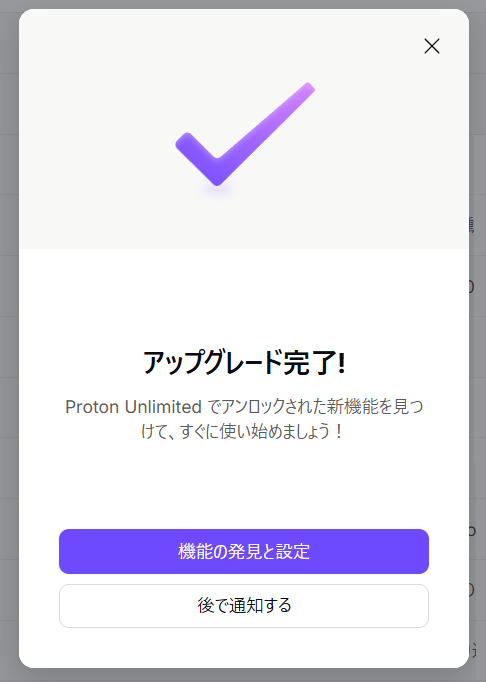
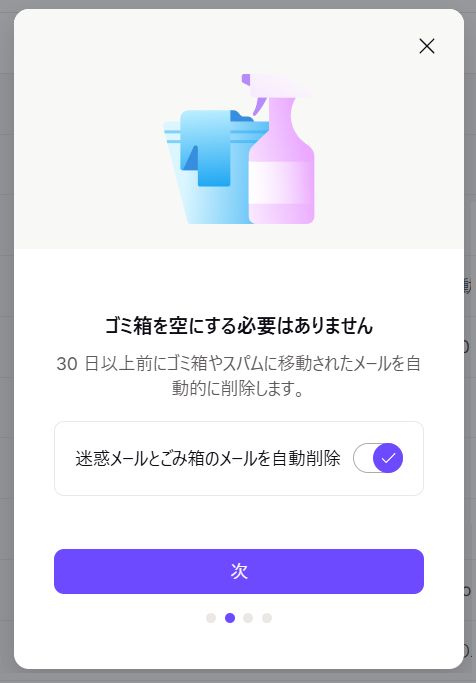
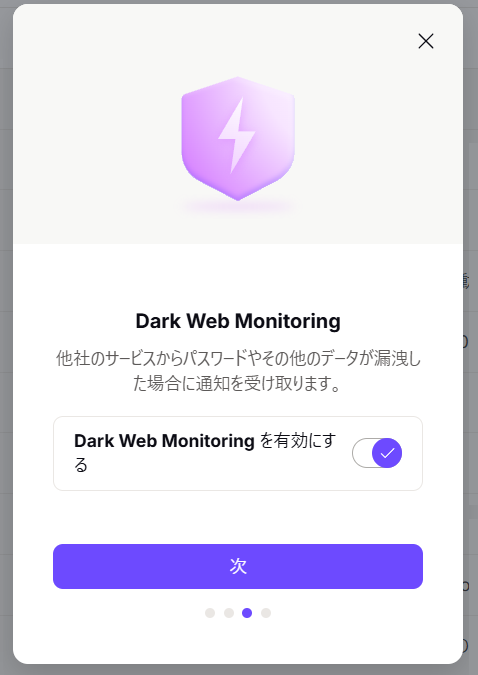
6:アップグレードの内容確認
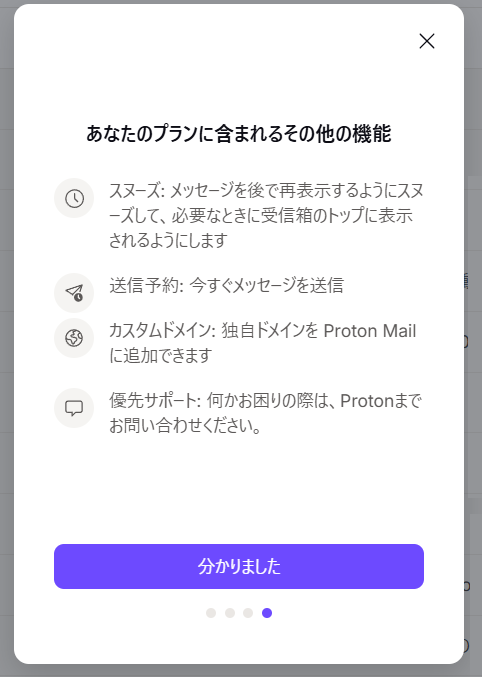
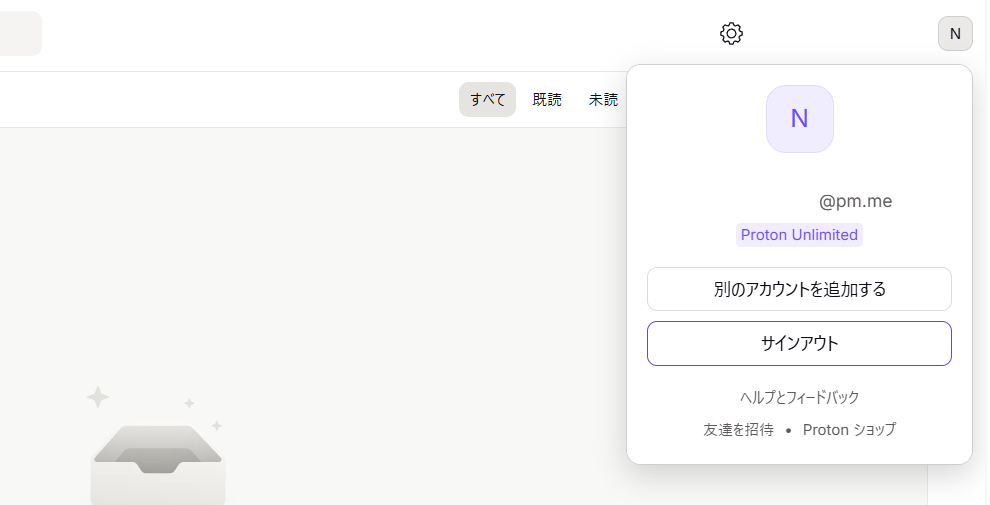
7:アップグレードを確認
さきほどと同じように、アカウントを確認。
すると「FREE」と「アップグレード」が消えて「Proton Unlimited」に変更されている
登録してみた感想
ずっと、GoogleのGmailを利用してきた。
今もGoogle Oneの2テラの契約を結んでいる。
それは、画像の格納のためである。
Proton Mailでサイト登録できない場合もある。
そのための代替措置としてのメールが、現在のGmailの立ち位置になる。
それほど、Protonのサービスを利用している。
GoogleはあくまでDriveだけを利用し、その他はProtonの振り分けであるから継続できるが、目的が曖昧だと、月1,000円強の支払いも馬鹿にはならない。
どのように使うか。をよく検討すべきである。
登録前の注意点
今すぐ登録しなくても、初月値引きのオファーメールが公式から入る。
初月であるため、1回限りになるがそれでもお安く利用ができる。
なによりGoolgeの代替として考えるのであれば、Googleサービスを利用するように、一度無料でアカウントを作成し運用してみるのがよい。
捨てアドレスを作るより、エイリアスメール(予備)を作る方が簡単である。